Win PDF Editor (ключ)
Описание
Как активировать
Регионы активации
Другие товары каталога
 Schedule I
710 ₽
Schedule I
710 ₽
 REMATCH Pro Edition
1570 ₽
REMATCH Pro Edition
1570 ₽
 Ghost of Tsushima Director's Cut
3550 ₽
Ghost of Tsushima Director's Cut
3550 ₽
 Marvel's Spider-Man Remastered
2740 ₽
Marvel's Spider-Man Remastered
2740 ₽
 Frostpunk 2
1540 ₽
Frostpunk 2
1540 ₽
 Neva
1160 ₽
Neva
1160 ₽
 Baby Steps
800 ₽
Baby Steps
800 ₽
 Ale & Tale Tavern
1020 ₽
Ale & Tale Tavern
1020 ₽
 BALL x PIT
660 ₽
BALL x PIT
660 ₽
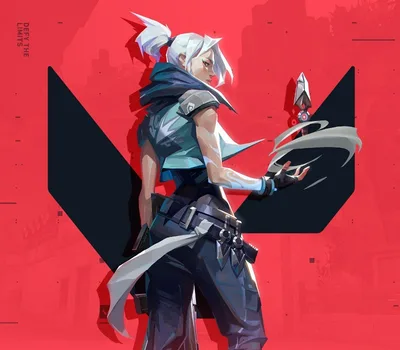 VALORANT EUR 20 CD Key IT
2320 ₽
VALORANT EUR 20 CD Key IT
2320 ₽
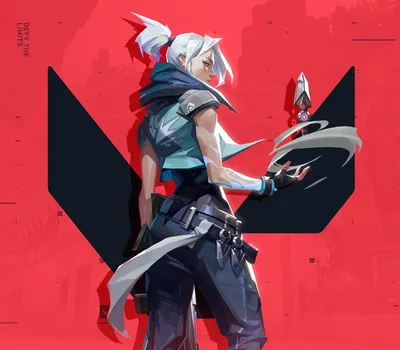 VALORANT EUR 20 CD Key NL
2320 ₽
VALORANT EUR 20 CD Key NL
2320 ₽
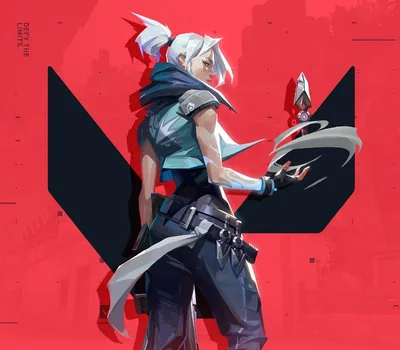 VALORANT EUR 20 CD Key IE
2320 ₽
VALORANT EUR 20 CD Key IE
2320 ₽
Условия покупки
СБП, банковская карта или SberPay. Цена в каталоге окончательная — ничего сверху не добавляется. Чек приходит на почту.
Ключ приходит автоматически, круглосуточно и без ожидания продавца. Обычно это занимает одну-две минуты.
Перечень доступных регионов указан выше на этой странице. Оплачивая заказ, вы подтверждаете, что ознакомились с ним. Если ключ не активировался в регионе, который здесь указан как доступный, — возвращаем деньги.
Напишите в тот же день и приложите запись экрана: в кадре должны быть логин учётной записи, сам ключ в поле ввода и полный текст ошибки, непрерывно и без монтажа. Заменим ключ или вернём деньги. Подробнее о гарантии.
Ключ активирован успешно. Выбран вариант не своего региона при том, что регион указан здесь. Товар из категории случайных наборов — их состав заранее неизвестен, и это написано в описании.
ИП Богушевский Илья Андреевич, ИНН 890417932502. Работаем по публичной оферте, ключи получены от официальных дистрибьюторов.